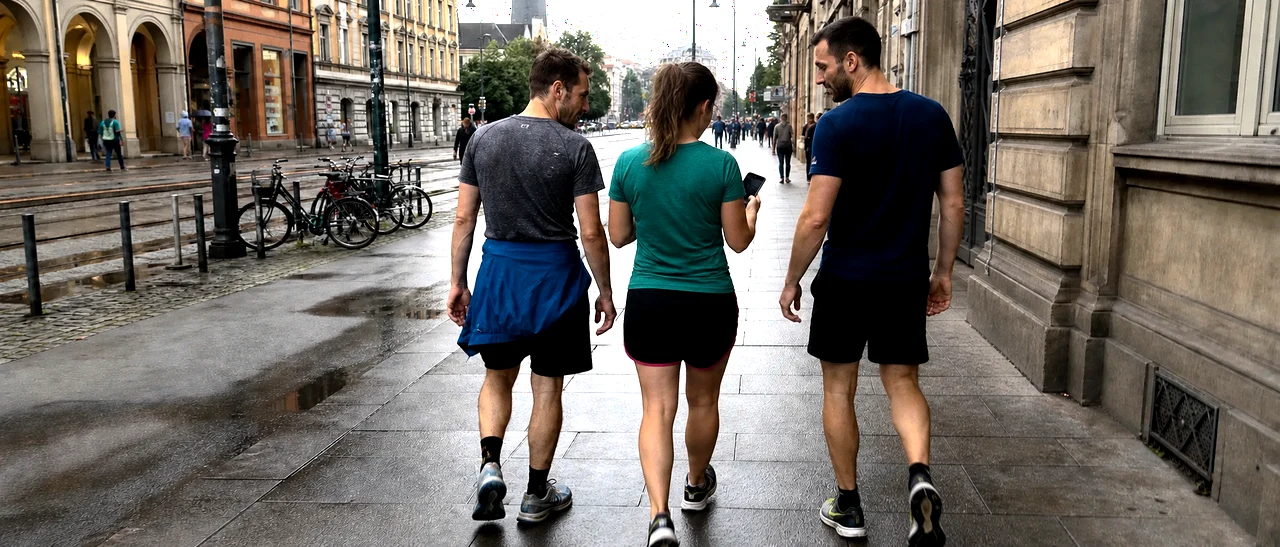
City challenges in Seattle

Choose a route, hit every checkpoint and climb the local leaderboard.

Aidlab app on App StoreAidlab app on Google Play

Activity route map: Seattle

  • Walk · Medium

    Fourth & Madison Plaza–Grand Pacific Hotel plaque: the city up close

    New challenge — set the first result of the year.

  • Walk · Medium

    Kobe Terrace Park–Yesler Terrace Park: step by step

    New challenge — set the first result of the year.

  • Walk · Easy

    Pioneer Square–Waterfront Park: the hidden rhythm

    New challenge — set the first result of the year.

  • Walk · Easy

    Seattle Presents–Grand Pacific Hotel plaque: the green line

    New challenge — set the first result of the year.

  • Walk · Medium

    Plymouth Pillars Park–Grand Pacific Hotel plaque: streets with character

    New challenge — set the first result of the year.

  • Run · Medium

    Boylston Place–Jack Perry Memorial Park: the fast loop

    New challenge — set the first result of the year.

  • Run · Hard

    Washington Street Boat Landing–RE-PC Computer Museum: tempo without pause

    New challenge — set the first result of the year.

  • Run · Hard

    The Electric Lady Studio Guitar–Streissguth Gardens: the final kick

    New challenge — set the first result of the year.

  • Run · Hard

    Fourth & Madison Plaza–View Park: the city test

    New challenge — set the first result of the year.

  • Run · Hard

    Waterfall Garden–Yesler Terrace Park: the strong finish

    New challenge — set the first result of the year.

  • Run · Medium

    Prefontaine Place–Fourth & Madison Plaza: street rhythm

    New challenge — set the first result of the year.

  • Run · Easy

    Plymouth Pillars Park–Seattle Art Museum: the long attack

    New challenge — set the first result of the year.

  • Run · Medium

    Waterfall Garden–Leschi Dreamcatcher: full send

    New challenge — set the first result of the year.

  • Ride · Medium

    MoPOP: Museum of Pop Culture–Henry Art Gallery: the grand city arc

    New challenge — set the first result of the year.

  • Ride · Hard

    Center for Wooden Boats–Burke Museum of Natural History and Culture: the long stage

    New challenge — set the first result of the year.

  • Challenge · Hard

    Seattle: the strength duel

    New challenge — set the first result of the year.

  • Challenge · Medium

    Seattle: forty without pause

    New challenge — set the first result of the year.

  • Challenge · Easy

    Seattle: the clean set

    New challenge — set the first result of the year.

  • Challenge · Medium

    Seattle: the final round

    New challenge — set the first result of the year.

  • Challenge · Hard

    Seattle: the city test

    New challenge — set the first result of the year.

How it works?

Imagine an app that suggests simple activities based on analysis of your behaviour, e.g. how long and how well you sleep, how active you are or where you prefer to hang out. For example - if you hate running so much you'd rather wait for the next bus instead of sprinting 50 meters to get the one approaching the station, that app would never suggest you to run a half marathon (or even a 16th for that matter).

Well, such an app exists and it's called Aidlab.
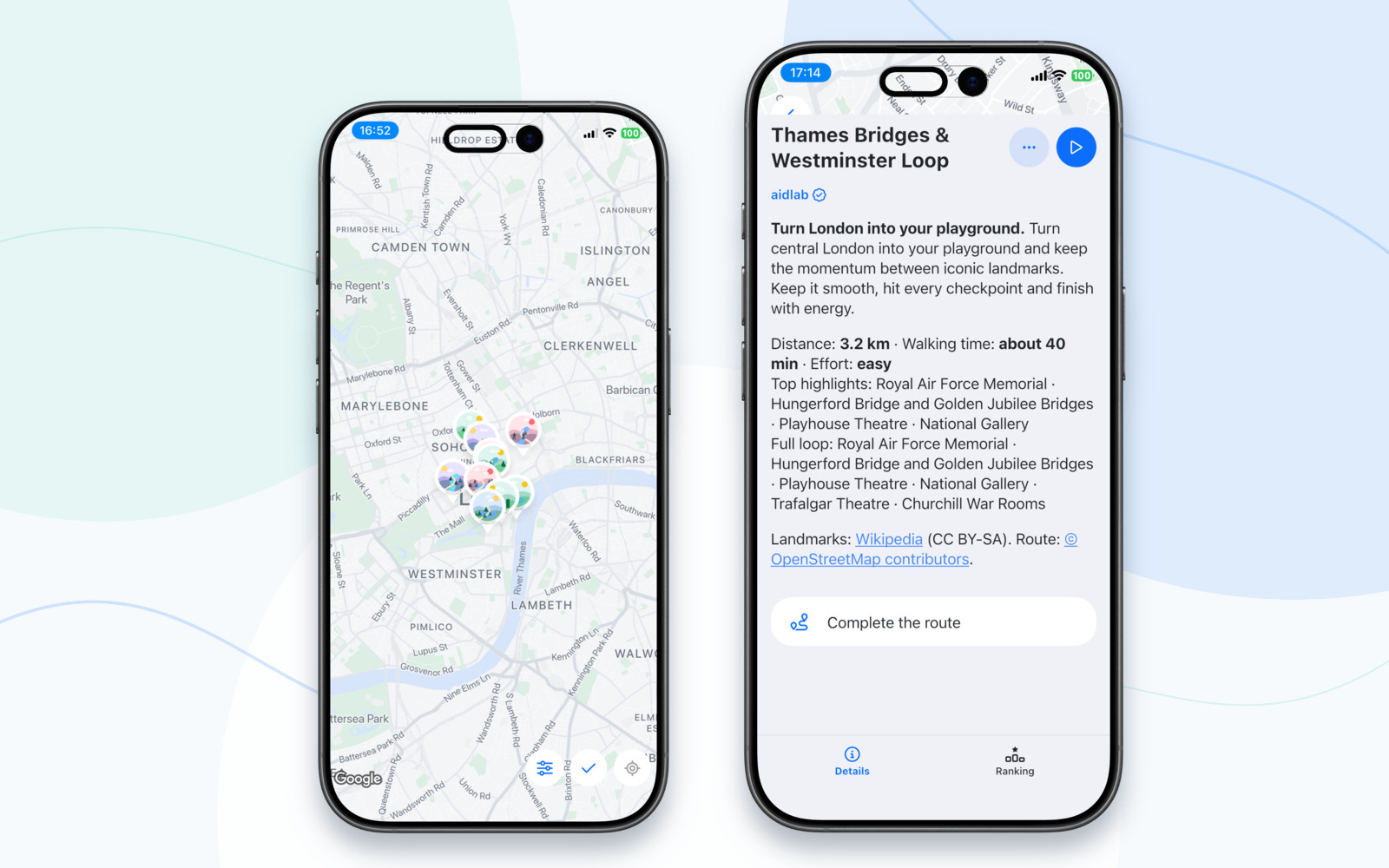
Aidlab Challenges map with London routes shown in iPhone 17 frames

How does a task get completed?

In order to get credit for succeeding, you need to exceed a minimal threshold for the particular activity. There is no upper limit, so don't stop! Not only your health benefits, but you can also place yourself in a record book of the given location, where the 3 best scores of each year land.

What do I need?

All you need is an Android or iOS phone with the appropriate permissions to collect location and activity.

Some activities require a fitness chest strap, which extends the fun. The fitness chest strap can detect entirely new types of activities based on the number of repetitions like push-ups, crunches or jumping jacks (chest strap can detect up to 16 exercises).

See how it works.


An icon with a padlock indicates that certain conditions are required, such as a certain number of steps in the last 30 days. Verification is done by calculating the average of your steps from Health Kit (iOS) or Google Fit (Android).

Got your own mini-activity idea?

Please, don't hesitate to email them to contact@aidlab.com. We promise to check each suggestion individually and get back to you.