


Taking a measurement with Pulseoximeter
Updated onSeptember 13, 2026
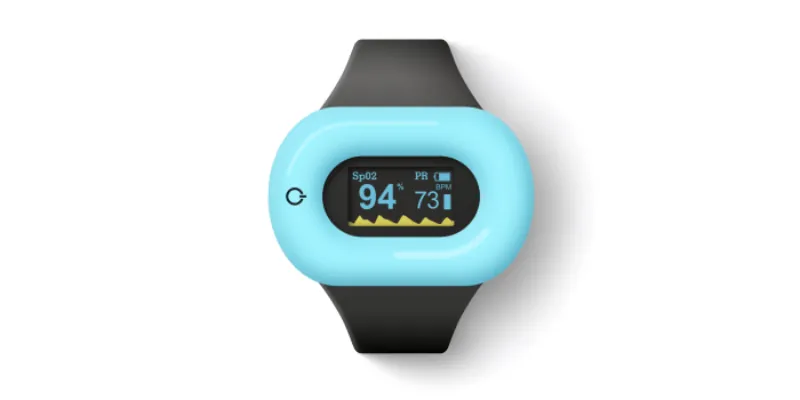
Pulseoximeter measures blood oxygen saturation (SpO₂) and pulse. To see the readings in Aidlab, first connect the device to the app.
Before you start, check the battery level and sit comfortably. Your finger should be warm, clean, and dry.
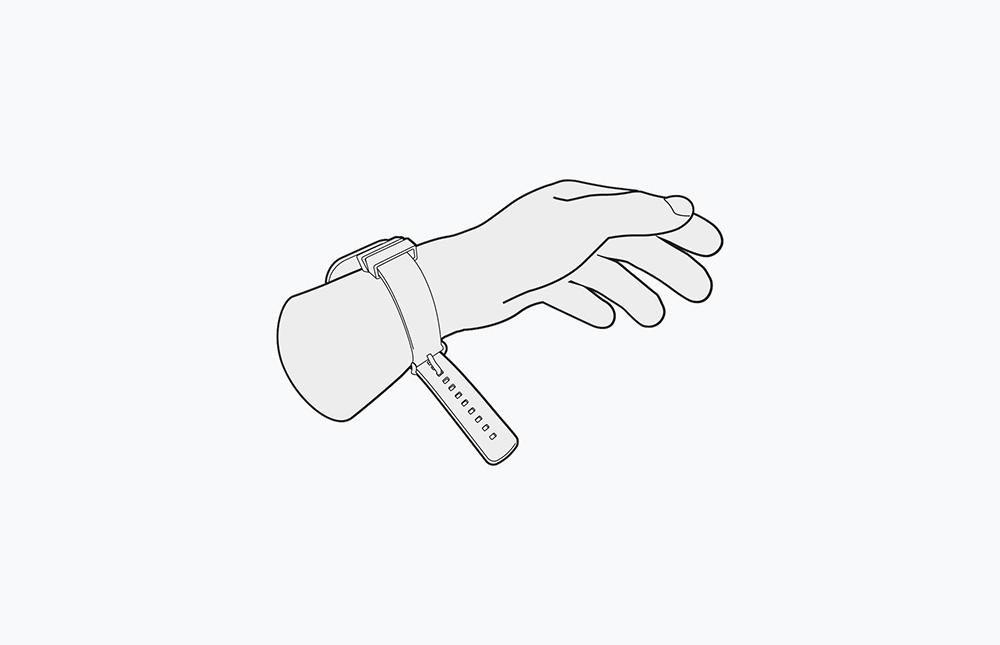
1. Fasten Pulseoximeter on your wrist
Place the device on your wrist like a watch and fasten the strap.
2. Put the sensor on your finger
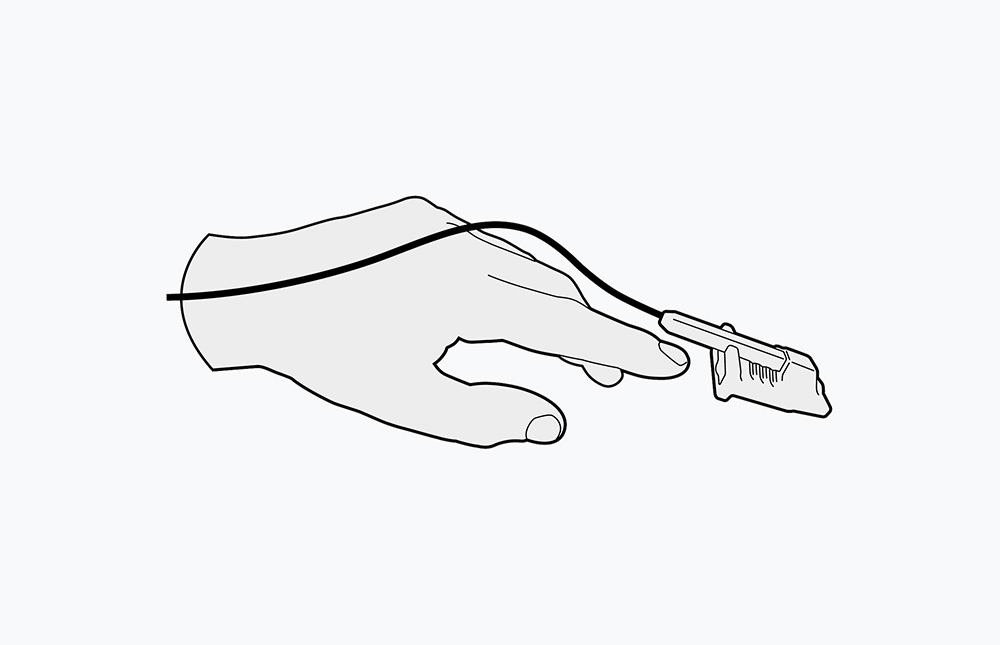
Connect the sensor to the device and place it on your finger as shown below. Press the power button to switch on Pulseoximeter.
3. Check the readings
Keep your hand still and wait for the SpO₂ and pulse values on the display to stabilize. In Aidlab, open Devices and select Pulseoximeter to check the live values.
If the reading is unstable
Check your finger position and relax your hand. Nail polish or an artificial nail may affect the reading. Remove it and repeat the measurement according to the device instructions.
If the result concerns you or symptoms persist, contact a medical professional.
No readings in the app? See troubleshooting.