
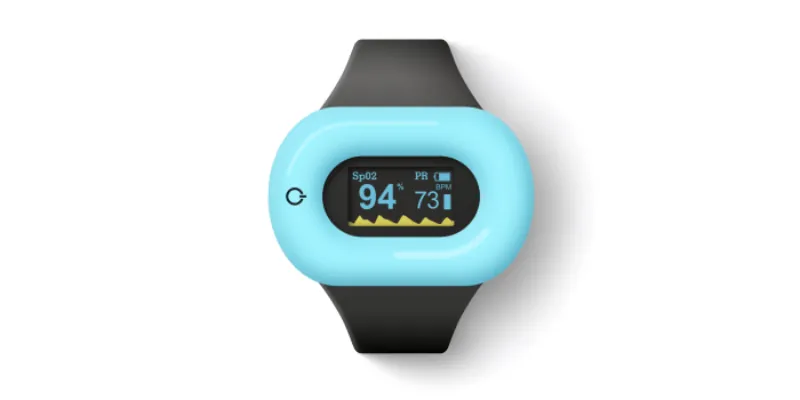



We separate myth from method in measuring body temperature with an iPhone. You will see what works today, what is coming, and when external sensors are the only reliable answer.
Have you ever wondered how to check body temperature with an iPhone?
As you know, iOS offers a ton of useful applications. There are apps you can talk to when you’re bored, tools to transform your voice in an unconventional way or apps where the main character is a woman who does nothing but look at you. However, as body measuring equipment becomes more and more popular, we're starting to expect more from our smartphones. Research shows that we start to think about our health more often and business or entertainment applications are becoming less important. This is certainly due in part to the pandemic.
Moreover, smartphone manufacturers are increasingly equipping their devices with sensors capable of measuring parameters that previously required dedicated instruments, such as heart rate monitors or oximeters. Galaxy Note 4, for example, is a smartphone that can measure your blood oxygen saturation, which makes it a convenient tool for estimating your SpO2. It's a wonderful news for us all, since we are so attached to our phones, and now they can also act as our personal doctors.
Continuous Temperature Monitoring with Aidlab
Uninterrupted tracking, day to night. Get all temperature insights straight to your iPhone.
Learn MoreUnfortunately, it's not that simple. The iPhone itself does not have a built-in thermometer that could be used, for instance, to measure fever.
Fortunately, there are intermediary solutions.
Reading Body Temperature With an iPhone
If you check Google, you'll find that the first app is Body Temperature App For Fever. It's an app with a paid subscription. I purchased the subscription so you don't have to, in case you were unsure whether the app was for you (I'll explain later why it might not be).

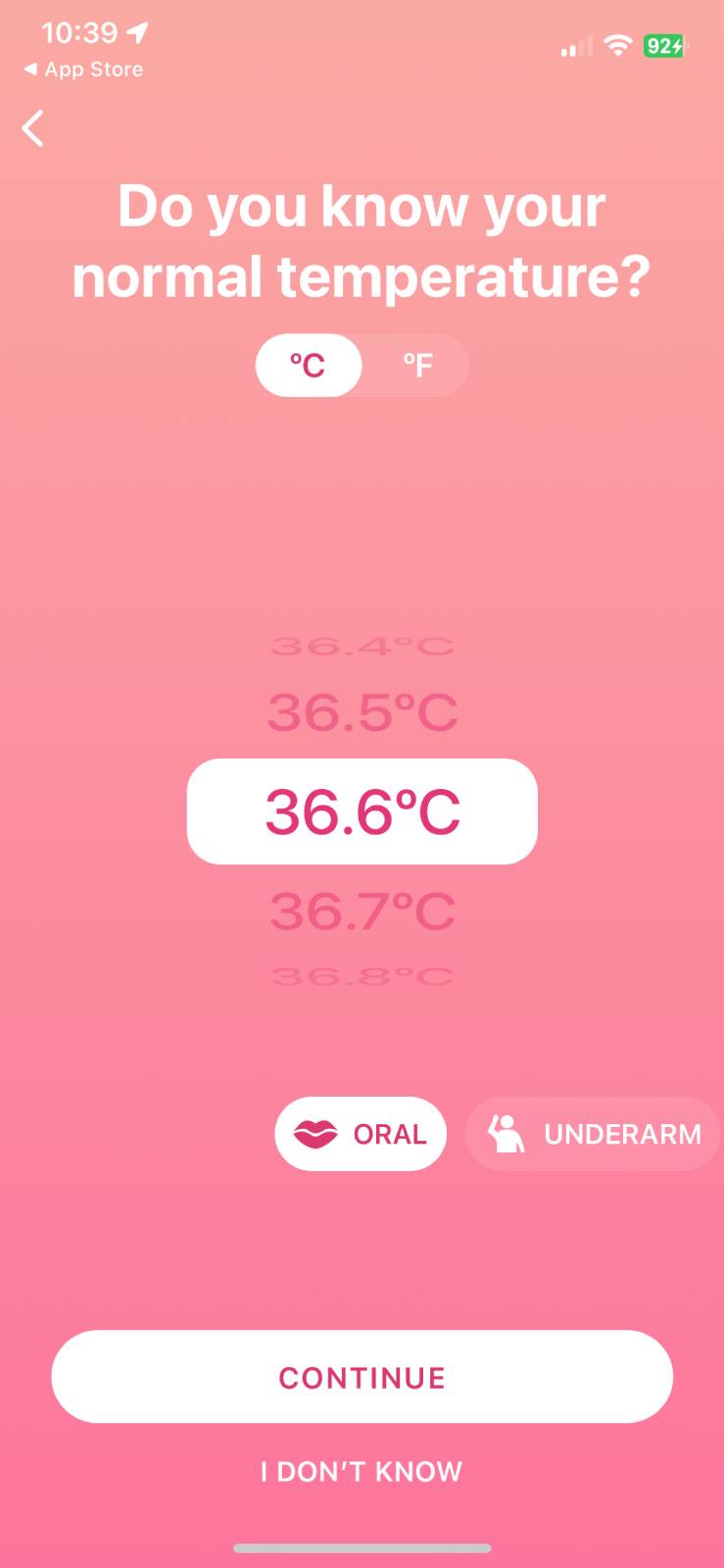
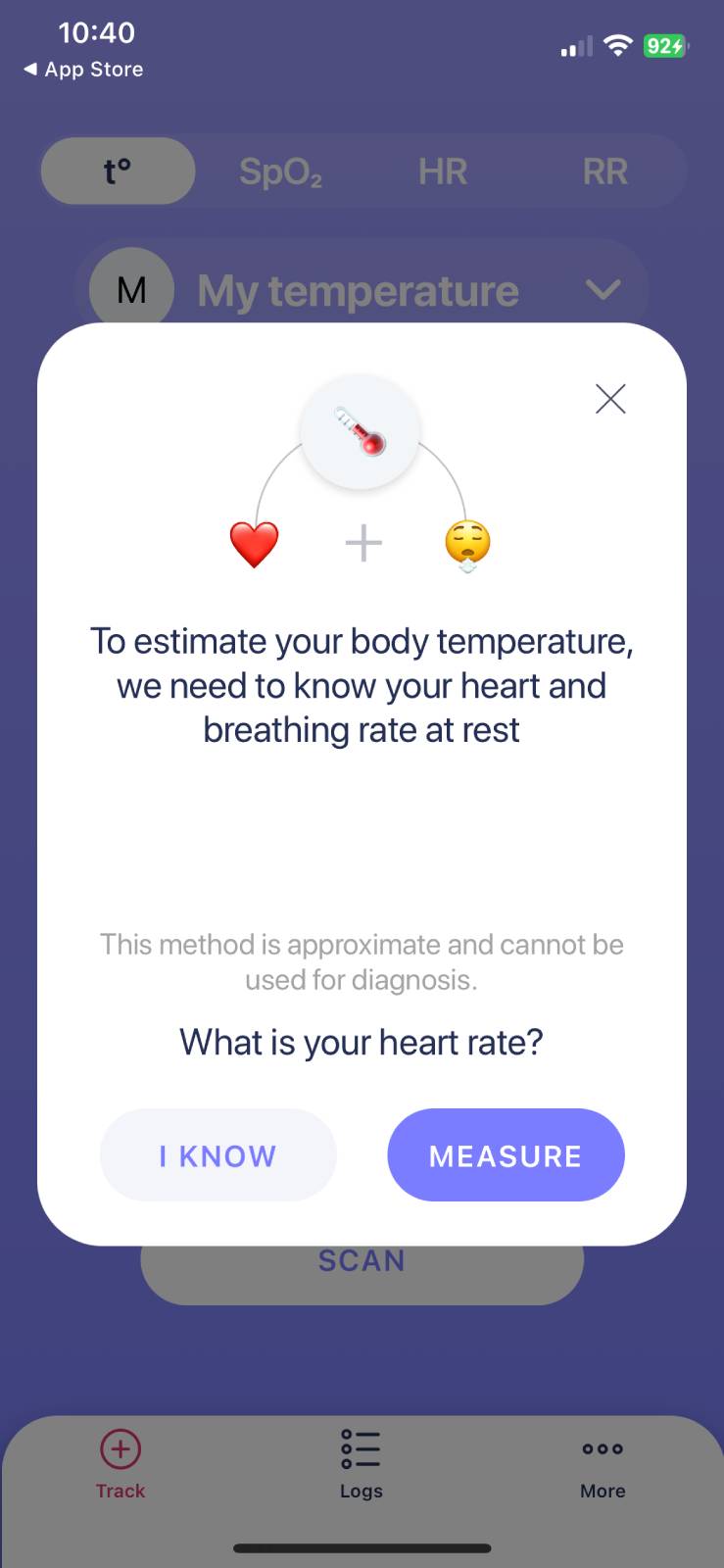
Before you start measurements, the app asks you a couple of questions as part of onboarding, including your BPM and breathing rate. There is a long questionnaire asking about your normal body temperature, whether you are currently sitting, or if you have taken any medications. It seems they request this type of information to ensure the measurements are more accurate and less prone to errors.
A few clicks later, and I just can't wait to start the measuring process.
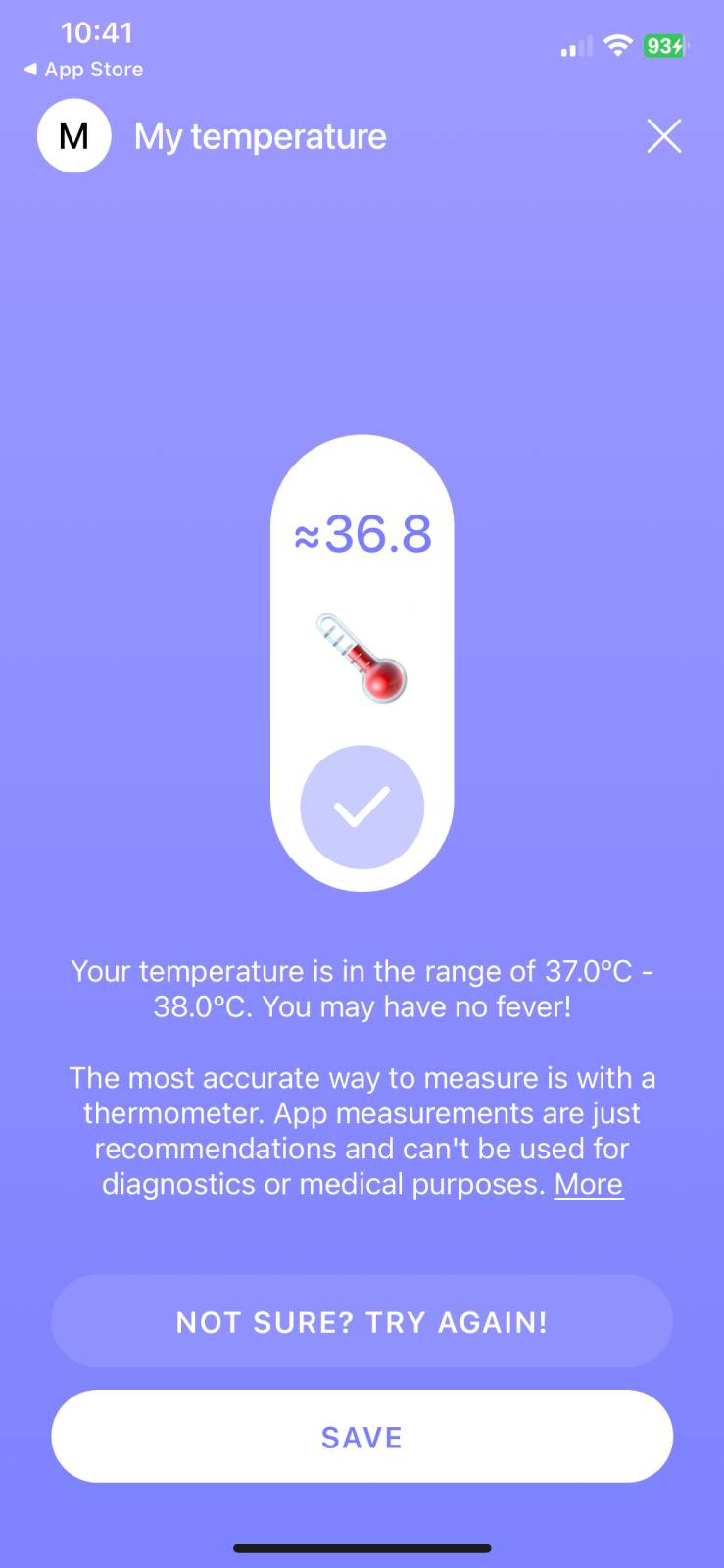
What?
The app showed me a result without any measurements!
Oh, I see. The app itself does not use any of the iPhone's sensors. Based on your answers, the app tries to estimate your body temperature. It wasn't clear for me from the app screenshots in the App Store, but... if this is something you are looking for, it might be worth trying the app.
Reading from iPhone's Camera
In June 2023, we received electrifying news from the University of Washington. A team of researchers led by this university has created an application - FeverPhone - that transforms smartphones into thermometers without the need for external accessories. You only need to place the smartphone screen on the patient's forehead.

How Does FeverPhone Work? AI, AI, AI, ...
The app uses the phone's touch screen and battery temperature sensors to collect data, which a machine learning model then uses to determine body temperature. According to the creators, FeverPhone estimates the average body temperature of patients with an error of about 0.23 degrees Celsius, which is within the clinically acceptable error range of 0.5 degrees Celsius.
As of 2026, the app isn't yet officially available in the Apple App Store.
Although the app still needs more training data, the potential of such technology is exciting for doctors. Above all, FeverPhone will be easy to use - just place the phone screen on the forehead and wait for results. It's also more hygienic, as there's no need to use traditional thermometers that must be thoroughly cleaned after each use.
Reading Temperature With Accessories or External Sensors
Other popular methods of reading body temperature with an iPhone involve using the audio port or Bluetooth™ technology.
Wishbone Optical Thermometer
The first method involves connecting a thermometer to the headphone port. An example of such a thermometer is Wishbone. First, connect the thermometer to the headphone port, next install a dedicated application and then place the device onto the forehead.
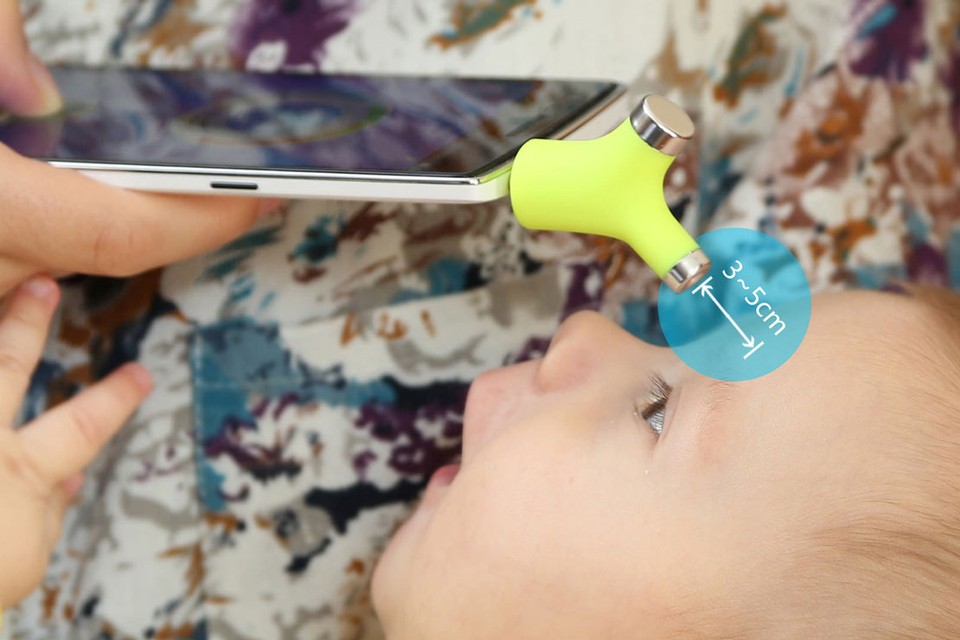
According to its manufacturer, Wishbone is a smart thermometer that allows you to quickly and easily measure your child’s temperature.
The latest Apple phones do not have a headphone jack which is why Bluetooth™ technology is being used more and more often in external thermometers which send measurements to smartphone screen in real-time. The market offers several solutions that differ with the method of application and accuracy.
Withings thermometer
Body temperature is most often measured by taking the highest temperature reading on the temple. Such a measurement is taken by Withings Thermo. It is a medical grade product that automatically synchronizes measurement results with dedicated Health Mate app.
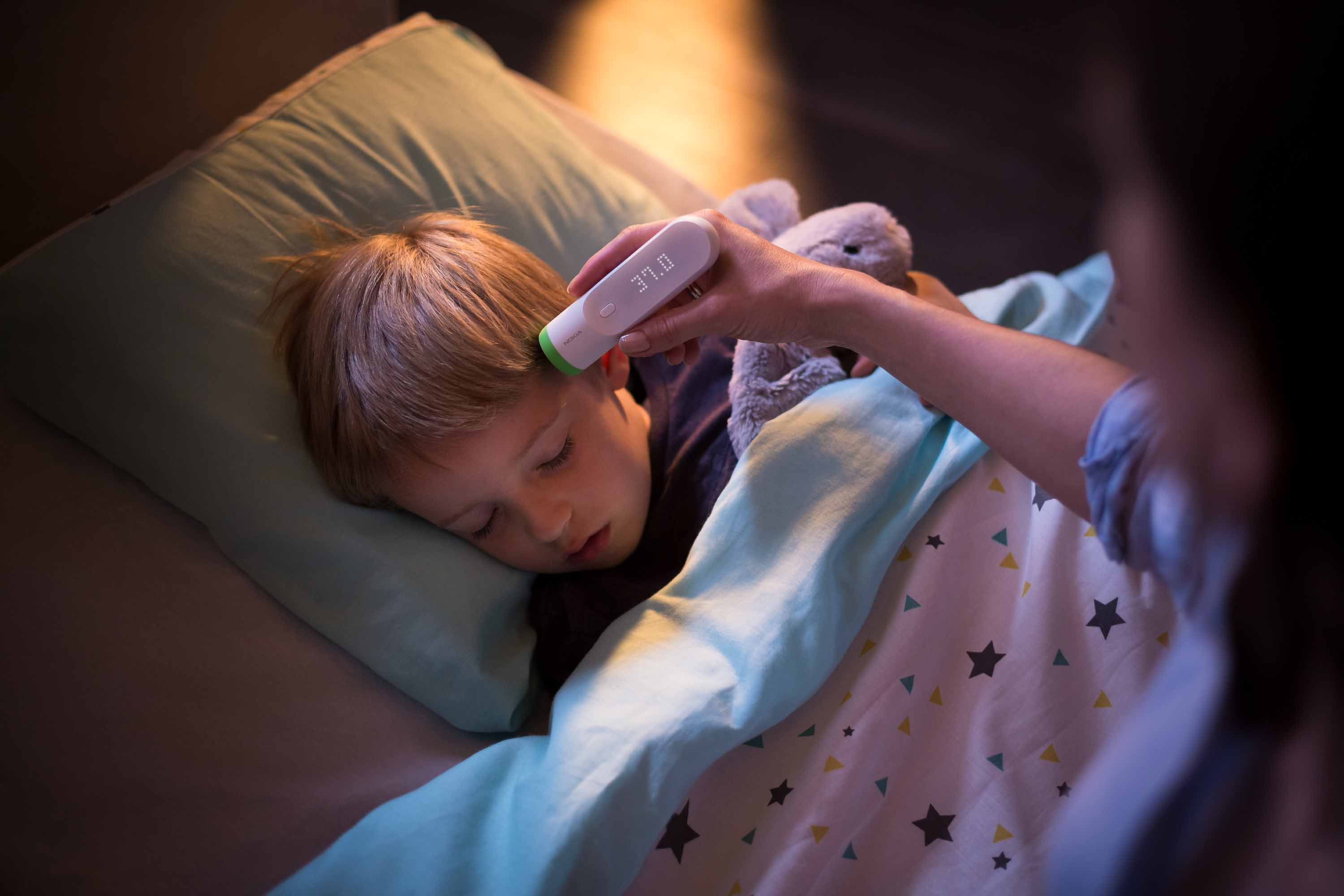
At first sight, Withings Thermo looks like a classical thermometer, yet the difference is significant. Its 16 infrared sensors provide an instant temperature reading from the temporal artery. This area is considered to have a temperature that correlates most closely with the body's core temperature (taking into account forehead readings, of course).
Chest-Worn Temperature Monitor
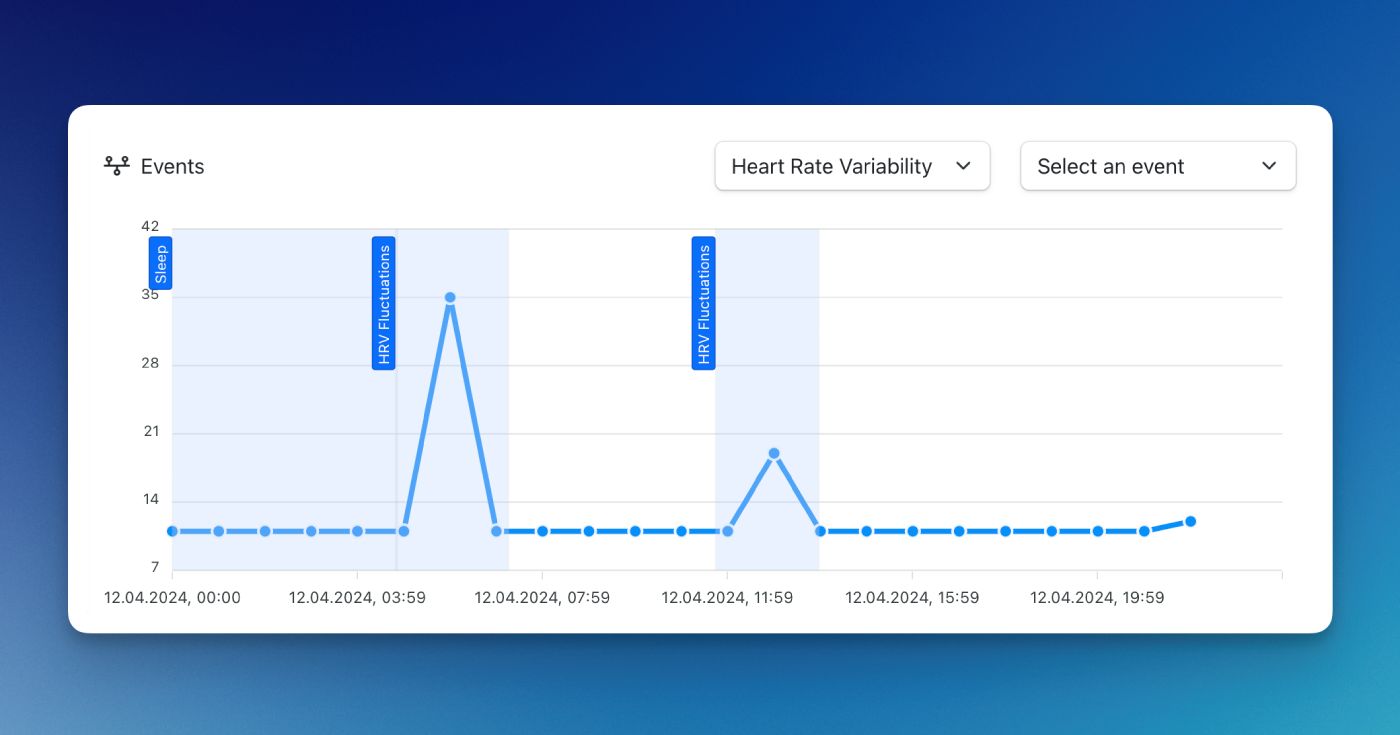
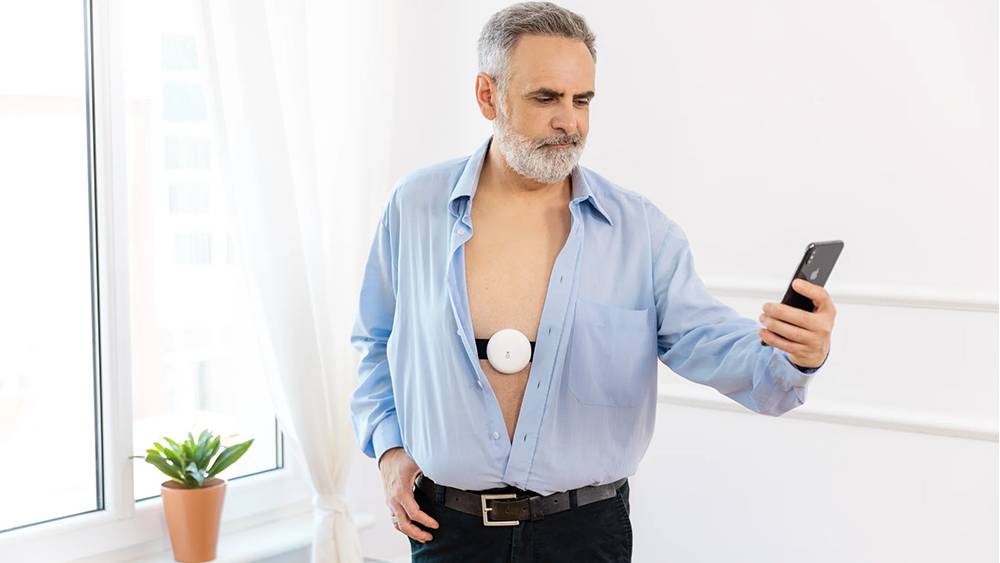
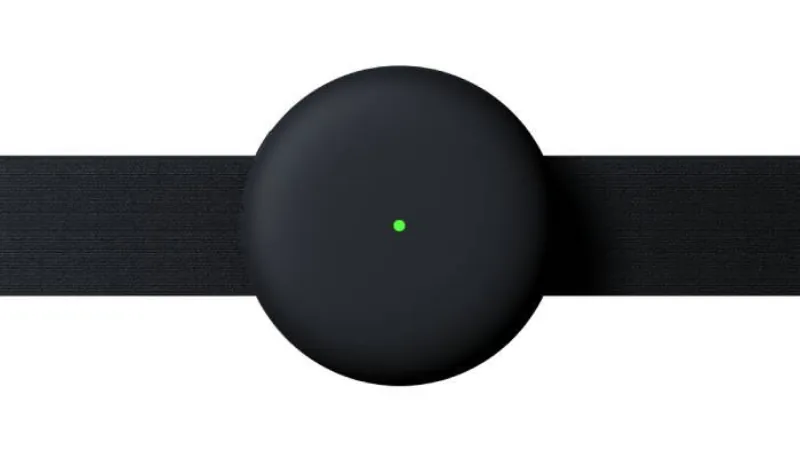
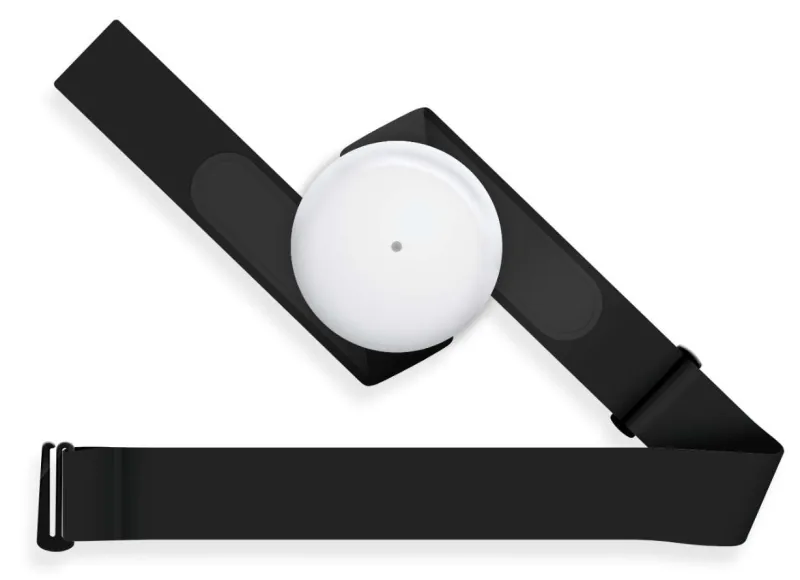
Another interesting method of measuring temperature is using Aidlab. It is a chest wearable sensor that can measure your temperature on an ongoing basis. It's even more important because only a 24-hour temperature measurement can reveal significant trends: Is the fever subsiding? Is it possible that I feel worse because the low-grade fever is returning?
Additionally, the measurement itself does not have to be limited to merely transferring health data. When we exercise, our body starts to heat up significantly and long overheating can have negative effects. Detecting this will be possible only if temperature is continuously monitored.
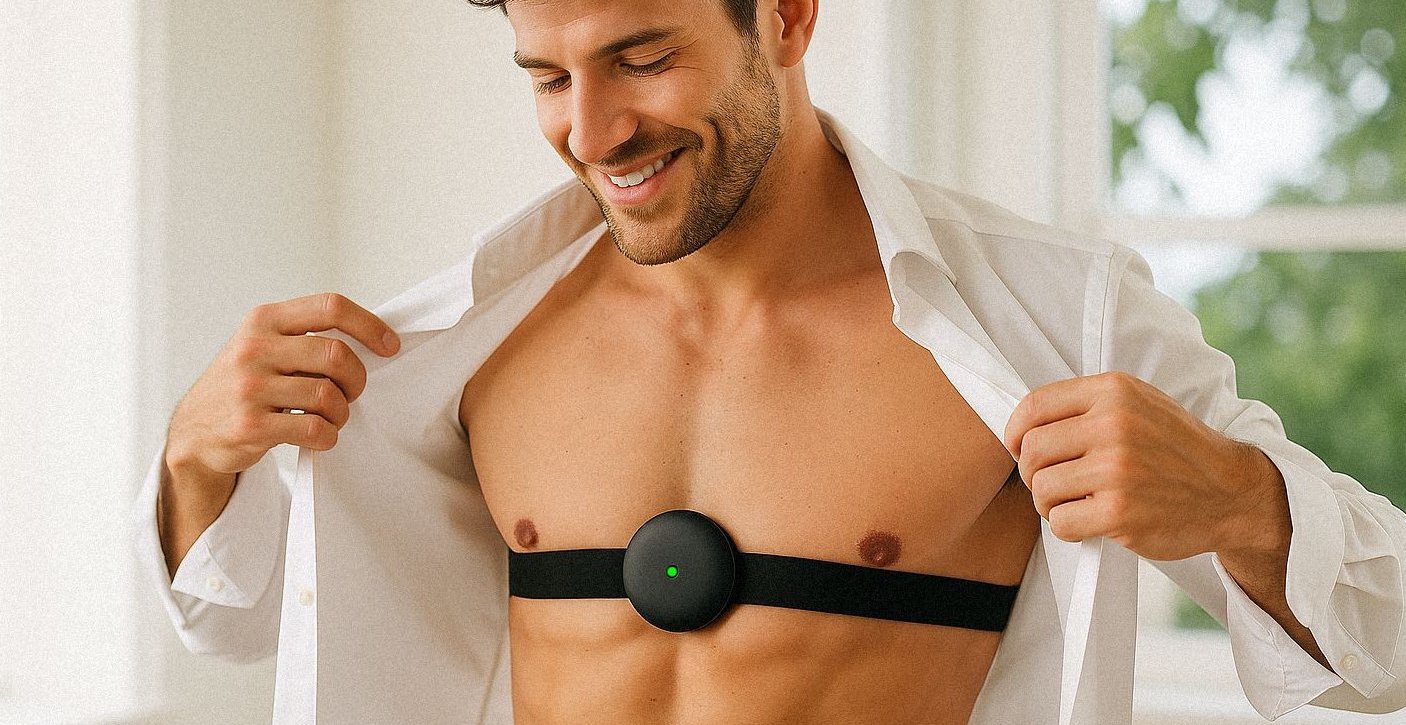
Aidlab takes readings directly from the chest. This area is close to heart which is why there is blood circulation, which allows for very precise measurements.
Summary
To sum up, for an iPhone to accurately measure body temperature, it must be integrated with external sensors. Some of the solutions enable a simple and quick scan of the temple without a necessity of touching the skin. Others, however, have benefits that could not be obtained with use of conventional methods.
Finally, it's worth mentioning a whole range of applications which can be used to record the measurements. Body Temperature Recorder is an example here. Its main functionality is saving temperature measurements from previous days. You can also draw trend lines to see how your body temperature changes over time. It’s also possible to record symptoms such as muscle soreness or sore throat that you can feel when your body temperature is increased. The second one is the Aidlab app, which, in addition to manually collecting and adding readings, also has rich reporting features that allow you to save reports as PDFs for later analysis.